Can You Design a Video Game About Animal Senses?
Your Challenge
Create a video game where the main character survives using its senses.
You’ll need to:
- Choose an animal
- Build a world around it
- Decide how its senses work
- Add predators or dangers
- Create a scoring system
Your mission is to design a game that shows how animals sense, process information, and respond in order to survive.
Why Animal Senses Make Great Video Games
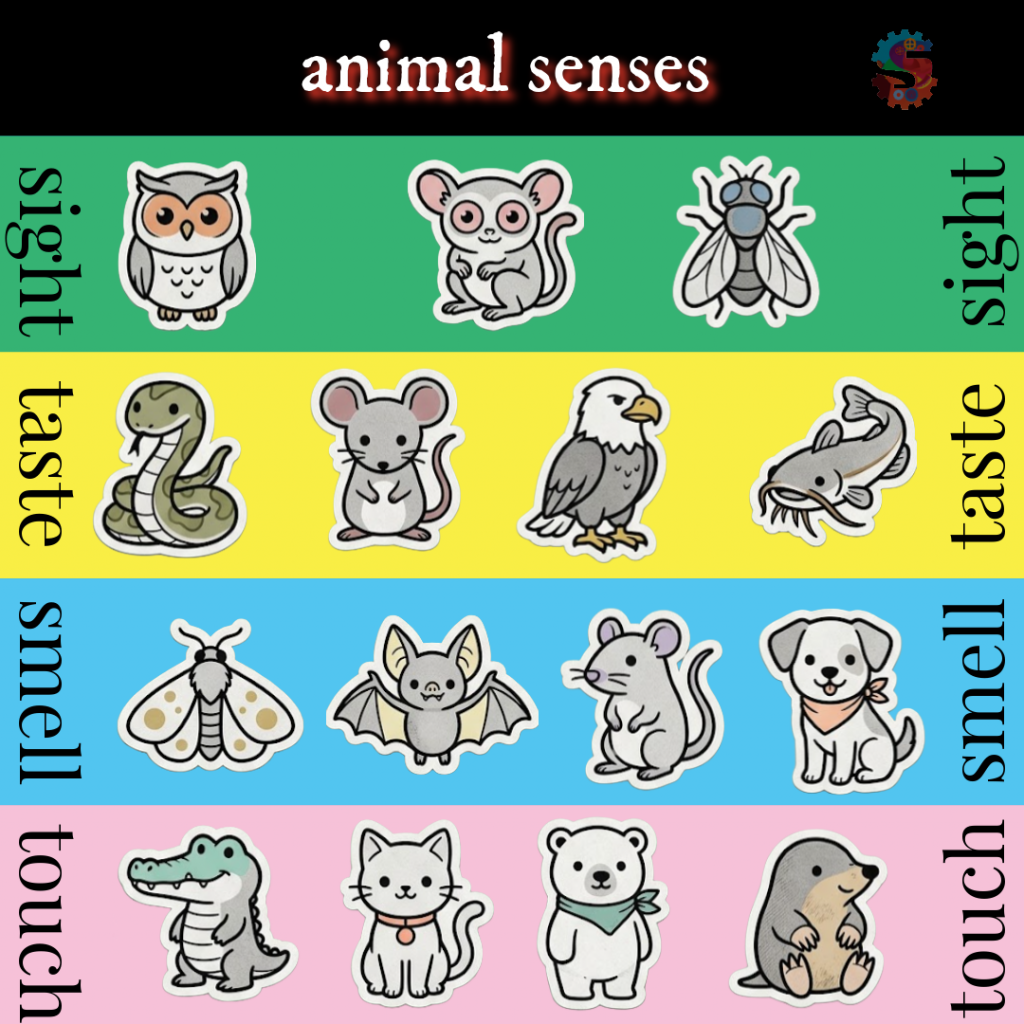
Animals experience the world in ways that humans don’t. Some navigate through sound, others through touch, smell, hearing, or even electrical signals. We want to turn those abilities into a core game mechanic.
- Teach science concepts through gameplay
- Encourage creative problem‑solving
- Design mechanics based on real biology
We like making video games and especially love getting inspired by our weekly themes.
Step-by-Step: How to Design Your Animal Senses Game
1. Choose Your Animal
Start with an animal known for a strong or unusual sense:
- Bat (echolocation)
- Snake (heat sensing)
- Shark (electrical signals)
- Mole (touch and vibration)
- Owl (vision and hearing)
Ask yourself: What sense does this animal rely on the most?
2. Build Your World
Design an environment where that sense truly matters.
Examples:
- A dark cave for echolocation
- Underground tunnels for touch-based navigation
- Deep ocean environments with limited visibility
- A nighttime forest where sound is key
Ask: What makes this world challenging without that sense?
3. Define the Sense Mechanic
This is the heart of your game. Think about what the player actually does to “sense” the world and what information they receive.
Examples:
- Press a button to send out a sound wave
- Detect vibrations when near objects
- See heat signatures instead of shapes
- Follow scent trails that guide movement
This mechanic is what makes your game unique.
4. Connect Sensing to Action
Tie the gameplay back to real science:
Sense → Brain → Action
In your game, the player:
- Senses something
- Interprets what it means
- Reacts quickly
Example: Hear a sound → recognize danger → dodge
5. Add Predators and Obstacles
Every good game needs tension. Add threats such as:
- Predators (foxes, birds, snakes)
- Environmental dangers (rocks, walls, traps)
Ask: What is trying to stop your animal?
6. Create a Scoring System
Give the player a clear goal.
Ideas:
- Collect food
- Survive as long as possible
- Gather items or resources
Scoring examples:
- One point per food item
- Bonus points for streaks
- Increasing difficulty each level
7. Increase the Challenge Over Time
As the player improves, the game should push back.
You can add:
- More enemies
- Faster movement
- Shorter sensing windows
- More complex environments
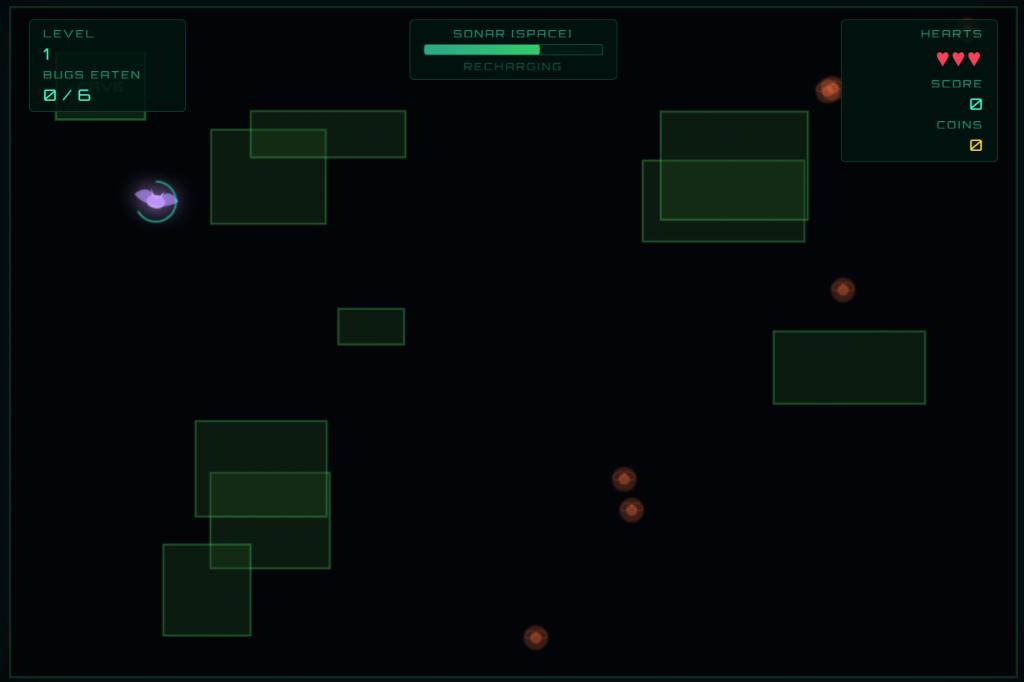
Example Game 1: Echolocation (Play as a Bat)
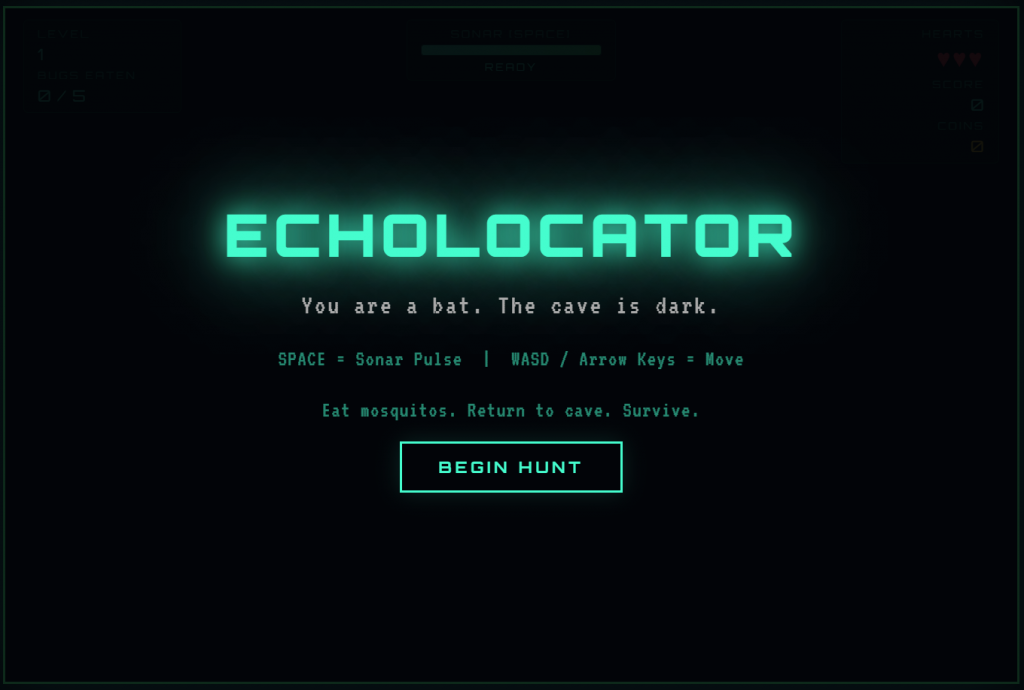
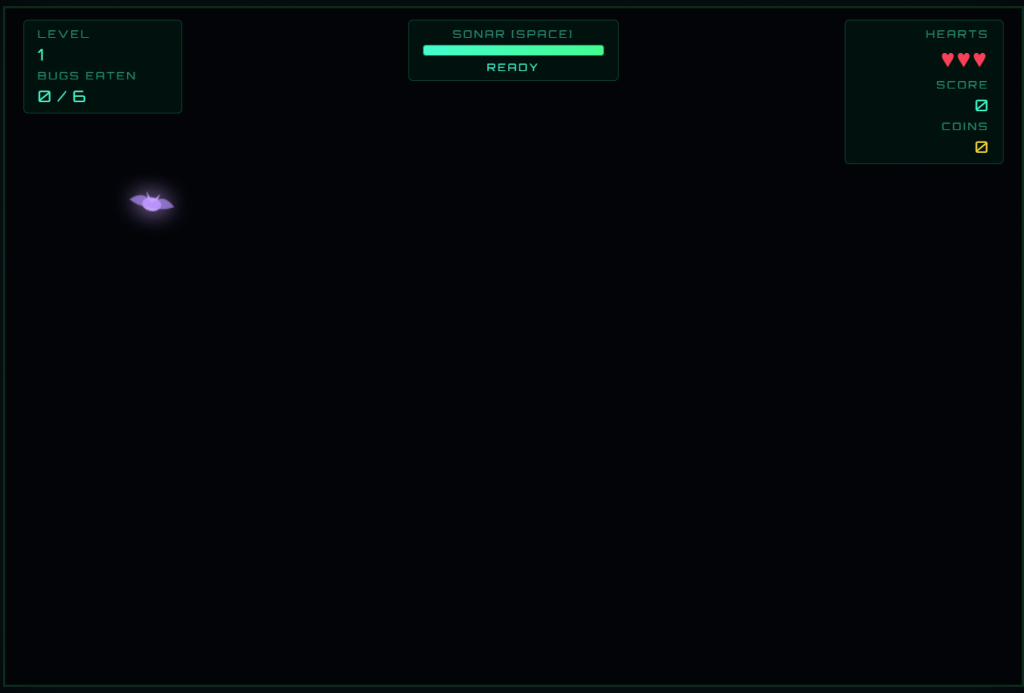
You play as a bat navigating through darkness using echolocation. You send out a chirp, the sound bounces back, and you “see” obstacles and insects through sound alone.
Goal: Catch mosquitoes while avoiding obstacles.
What it teaches:
- Animals use sound to gather information
- The brain processes echoes to understand distance and shape
- Survival depends on quick reactions
Play Echolocation, a Sprattronics Game!
Example Game 2: Underground Survival (Play as a Mole)
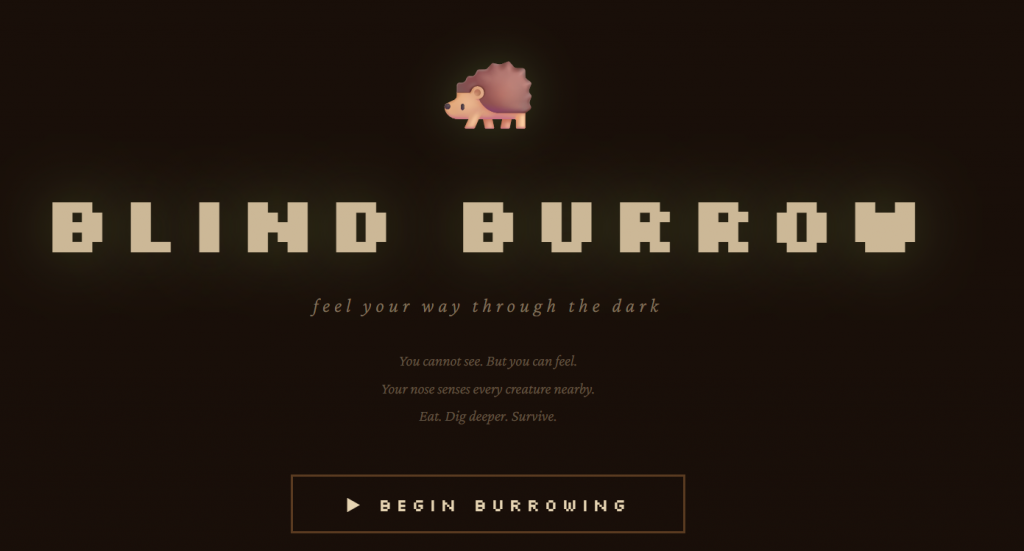
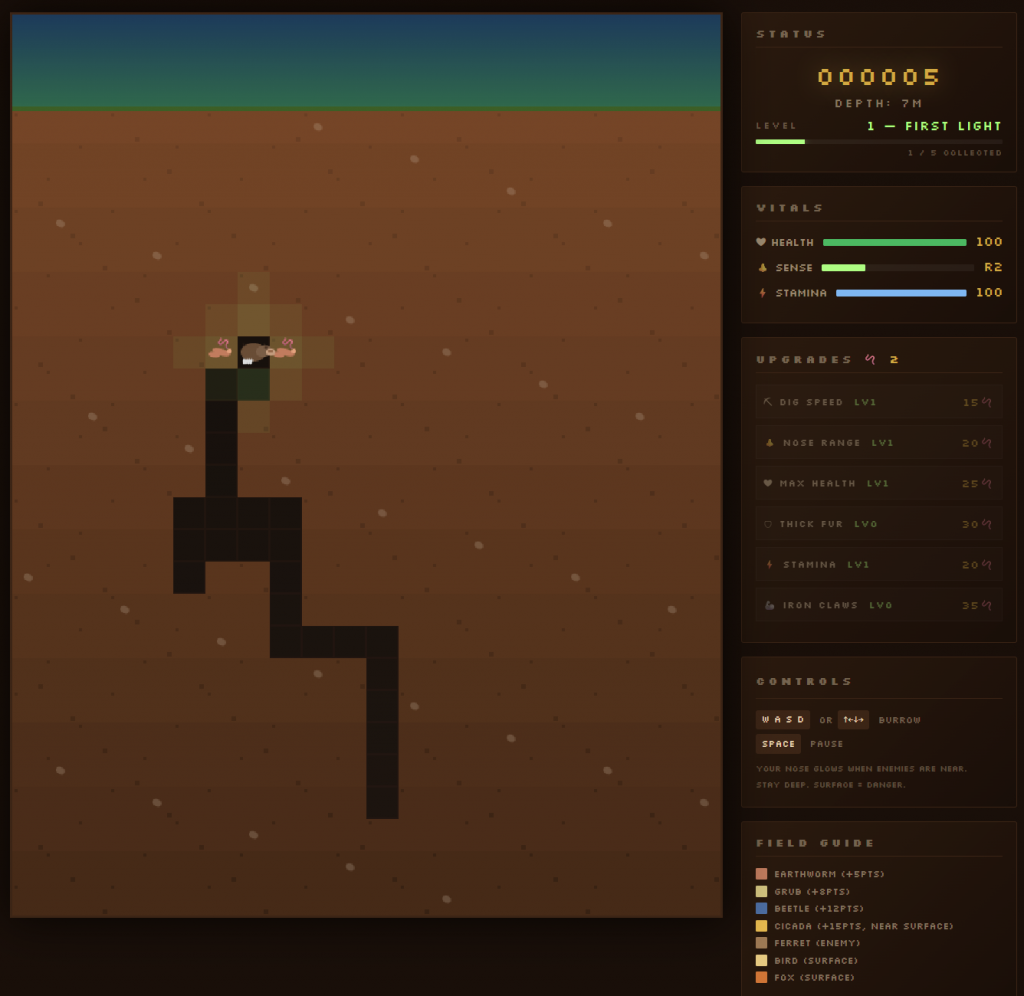
You play as a mole moving through dark tunnels, relying on touch and vibration.
You sense nearby insects, avoid predators like ferrets and foxes, and navigate tight spaces.
Goal: Eat as many insects as possible without being caught.
What it teaches:
- Some animals rely on touch instead of sight
- Underground environments require different strategies
- Predators create constant pressure and decision-making
Play Underground Survival, a Sprattronics Game!
Your Turn
Design a video game that highlights how an animal senses the world.
Remember:
- Choose an animal
- Build a world
- Design a sensing mechanic
- Add predators
- Create a scoring system
Game Ideas to Get You Started
- A snake detecting heat signatures to hunt
- A shark sensing electrical pulses in the water
- An owl hunting by sound in total darkness
- An ant following scent trails
- A frog reacting only to movement
Final Challenge
Can you design a game where the player truly understands how an animal experiences the world? Be sure to include how it looks, how it senses, thinks, and survives.
Share your game with us!