Control LEGO Spike Essential with Motion: Using a Gyroscope
Introduce
Today we are going to learn how to control a robot in a completely different way. Instead of pressing buttons or using a controller, we will use motion. The LEGO SPIKE hub has a built-in gyroscope that can detect how it is tilted, and we will use that to drive our robot.
Engage
Think about the different ways you control things in your life.
- How do you change the channel on a TV?
- How do you control a remote control car?
- What do you use to play a video game?
All of these use buttons, joysticks, or touch controls.
What if you could control something just by moving your hand?
Have you ever played a game where you tilt a device to steer?
Today, your hand becomes the controller.
Build & Explore
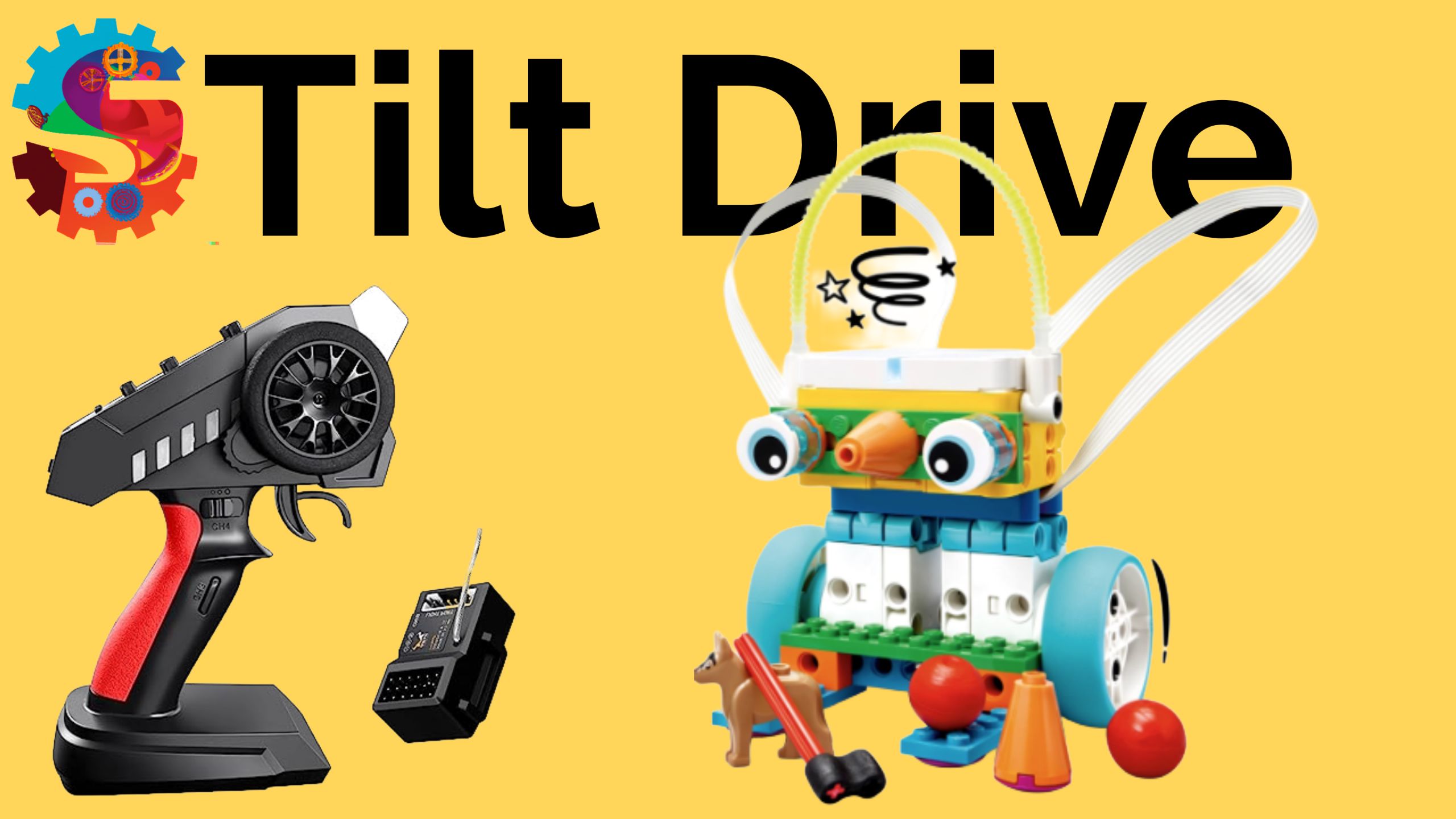
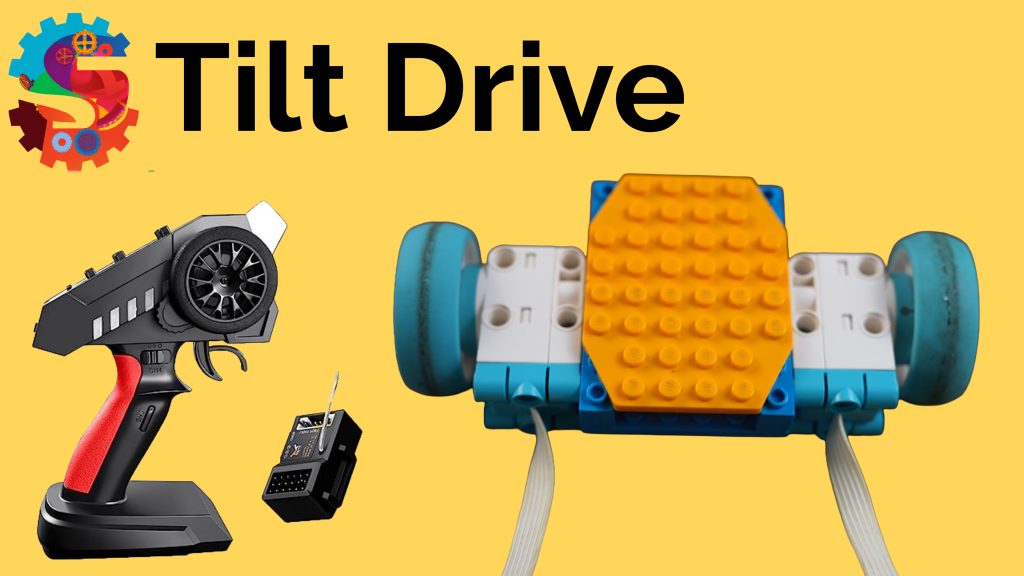
You are going to build a simple driving robot using:
- Two motors
- Two wheels
- A stable base
- A sliding piece or support on the front
Important challenge:
- The hub cannot be attached to the robot
- You must hold the hub in your hand to control it
As you build, think about:
- How can you keep your robot balanced?
- How can you make it turn smoothly?
- Where should the wires go so they don’t get in the way?
Once built, explore:
- What happens when you tilt the hub forward?
- What happens when you tilt it left or right?
Explain
The hub contains a gyroscope. A gyroscope measures orientation and movement.
It tracks three types of motion:
- Pitch: tilting forward and backward
- Roll: tilting side to side
- Yaw: rotating left and right
We use this data in our code to control the motors.
For example:
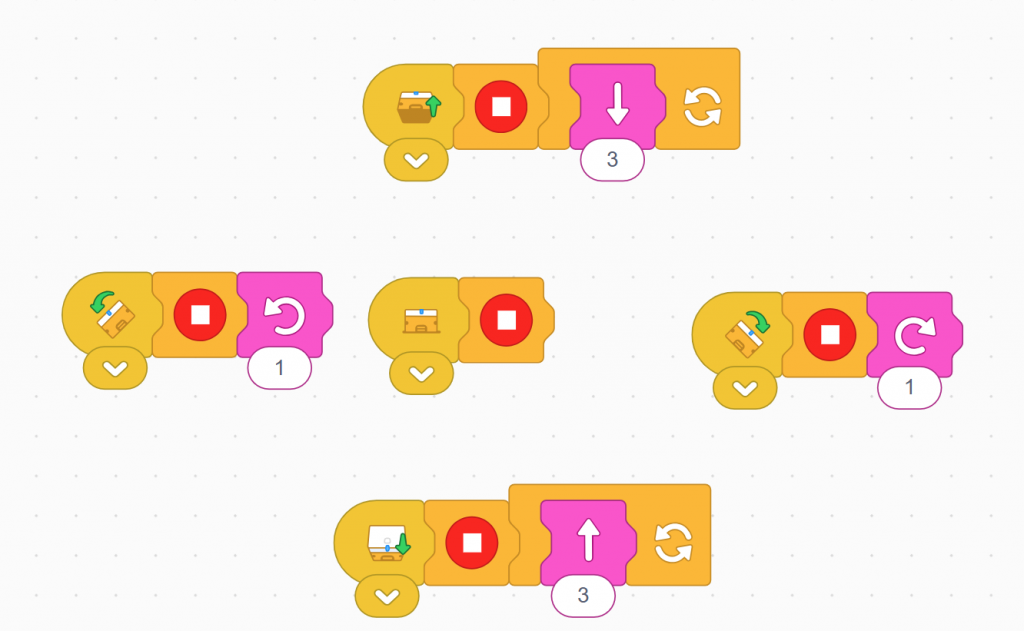
- Tilt forward → robot drives forward
- Tilt backward → robot reverses
- Tilt left → robot turns left
- Tilt right → robot turns right
When the hub is flat, the robot should stop.
You will use movement blocks with two motors to control direction, and tilt blocks to detect motion.
Elaborate
Now that your robot works, how can you improve it?
Try these ideas:
- Add a stop block at the start of each command to prevent glitches
- Adjust motor speed for smoother driving
- Redesign the base to make it more stable
- Add decorations to turn your robot into a vehicle or character
Think bigger:
- Could this control system be used in a wheelchair?
- How might this help control machines in hard-to-reach places?
- How could you use tilt control in a game or another robot design?
Evaluate
Answer these questions to show your understanding:
- What does a gyroscope measure?
- What are pitch, roll, and yaw?
- Why do we use two motors with movement blocks?
- Why might the robot behave incorrectly if commands overlap?
- How does adding a stop block improve performance?
- What is one way you improved your robot design?