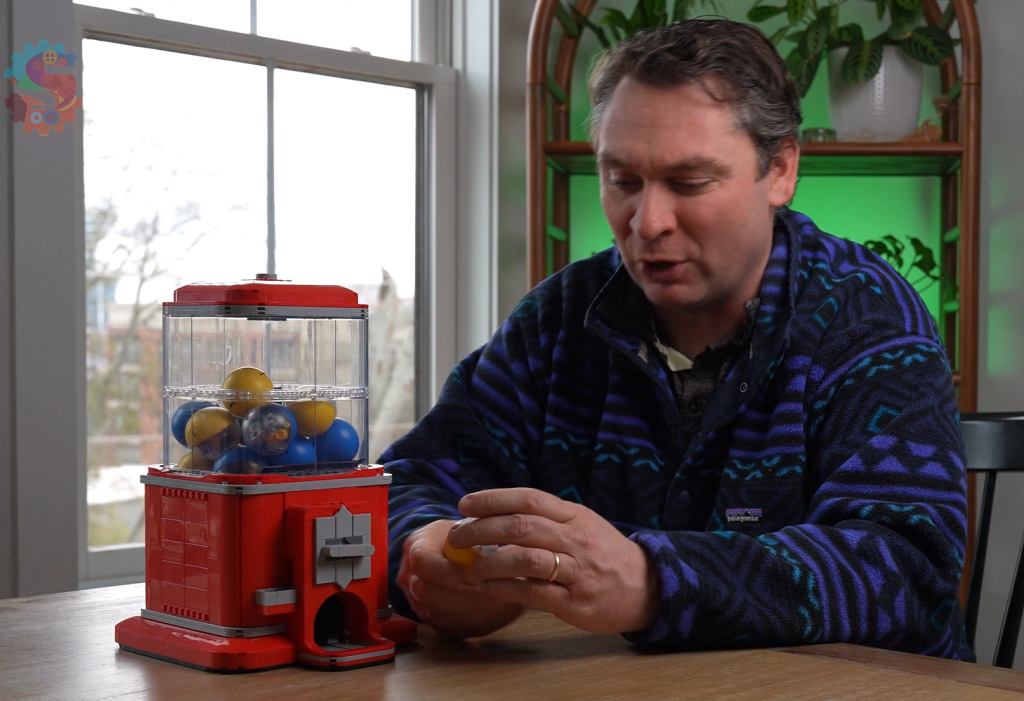
My gumball machine coins disappeared… and in their place was a secret message.
The only way to crack it? Build an Enigma-style cipher machine using LEGO SPIKE Prime.
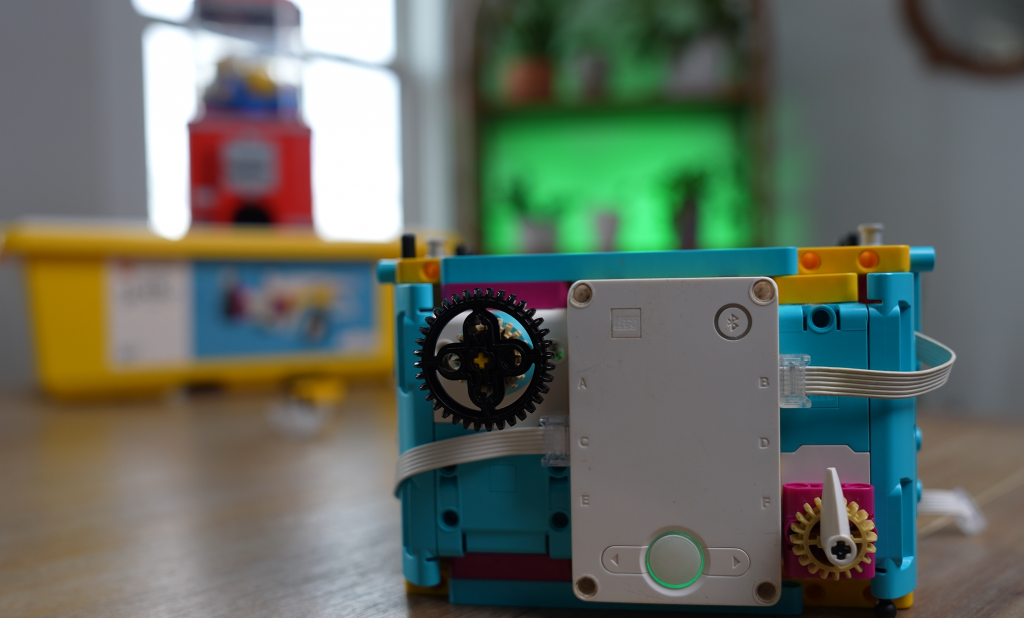
In this challenge, we design and program a LEGO robot that can encode and decode messages using a Caesar Cipher. One motor selects the cipher key, another selects letters, and the SPIKE hub displays everything as the code comes to life.
Along the way, we:
- Build a working cipher machine with LEGO SPIKE Prime
- Use motors as input dials for letters and cipher keys
- Create an alphabet list (array) to store letters
- Apply a shift to encode and decode messages
- Troubleshoot edge cases at the start and end of the alphabet
Once the code is cracked, the mystery is solved… and the gumball machine is back in business 🍬
This project is perfect for:
- Computer science fundamentals
- Cryptography for kids
- FIRST LEGO League teams
- LEGO robotics classrooms
Want to try this challenge yourself? Grab your SPIKE Prime kit and start decoding!
Here is my code to get you going!
Classroom Challenge: LEGO Enigma Machine
Challenge Story
The coins for the gumball machine are missing! In their place is a secret coded message. Your mission is to design and program a LEGO SPIKE Prime Enigma-style machine that can encode and decode messages using a Caesar Cipher. Crack the code, recover the coins, and save the day.
Learning Goals
- Understand how a Caesar Cipher works
- Use lists (arrays) to store and access data
- Apply shifts to encode and decode letters
- Use motors and buttons as inputs
- Debug edge cases at the start and end of the alphabet
Materials
- LEGO SPIKE Prime Hub
- 2 Motors
- Building pieces for dials/buttons
- Computer or tablet with SPIKE app
Build Requirements
Your Enigma Machine must include:
- 🔄 Motor 1: Select the cipher key (shift value)
- 🔤 Motor 2: Select a letter
- ◀️ Left Button: Decode a letter
- ▶️ Right Button: Encode a letter
- 📟 Hub Display: Show the selected letter and result
💻 Programming Tasks
- Create a list (array) that holds the alphabet (A–Z)
- Program Motor 1 to select a cipher key
- Program Motor 2 to select a letter from the list
- Encode the letter by shifting forward
- Decode the letter by shifting backward
- Fix errors when shifting past A or Z
🧠 Think About It
- What happens if your shift goes past Z?
- How can you loop back to the start of the alphabet?
- How would this cipher change if we added symbols or numbers?
🧪 Bonus Challenges (Optional)
⭐ Add sound or light feedback when a letter is encoded
⭐ Decode a full word instead of a single letter
⭐ Hide the message somewhere in the room for another team
⭐ Increase difficulty with a random cipher key
🏁 Success Criteria
✅ Machine encodes and decodes letters correctly
✅ Cipher key can be changed using a motor
✅ Alphabet list is used in the program
✅ Edge cases (A/Z) work correctly
🏆 Mission Complete!
You cracked the code, found the coins, and unlocked the gumball machine. Great work, codebreaker!